Is Webflow Bad for SEO?

Short answer? No, it is not bad. It is actually quite decent if you know what you are doing. But if you are asking me if it is the absolute best option available for ranking a website in a competitive niche, the answer is also no.
If you have a gun to your head and have to choose between WordPress and Webflow for a pure SEO play, you should go for WordPress every single time. Webflow sits in this weird middle ground.
It is significantly better than the drag-and-drop toys like Wix or Squarespace, but it still lacks the raw, unbridled power of a self-hosted WordPress environment. It is not the worst. It is just not the best.
I have been working in this industry for a long time. Fifteen years, actually. I have seen platforms come and go. I have cleaned up the messes left by “easy-to-use” website builders that generated code looking like spaghetti thrown at a wall.
Webflow is ok.
It produces clean code. It is fast. But it has limits that can drive a technical SEO specialist up the wall.
The Clean Code Argument
One thing I will give Webflow credit for is the code. It is beautiful.
When you publish a site on Webflow, it generates clean, lightweight HTML, CSS, and JavaScript. This is a massive deal because Google loves clean code. It makes the crawler’s job easier.
Compare this to a WordPress site that has been cobbled together by an amateur using fifty different plugins. That WordPress site is going to be heavy, bloated, and slow. Webflow works out of the box with a global CDN using CloudFront and Fastly. It is fast. Really fast. And we know speed is a ranking factor.
I remember seeing a case study about DocuSign.
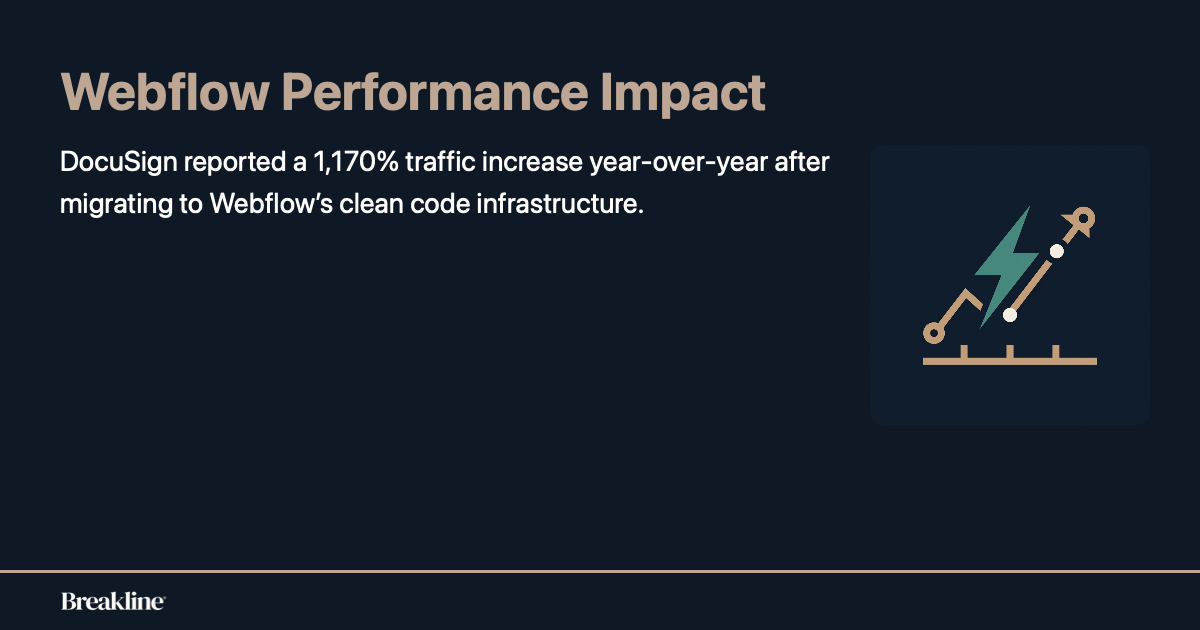
They migrated to Webflow and saw a massive jump in traffic. Something like a 1,170% increase year-over-year. That is not a typo. Nursa migrated 40,000 pages and saw a 70% performance gain. So, clearly, the platform itself is not “bad” for SEO.
If it was bad, those numbers wouldn’t exist. The infrastructure is solid. It supports AVIF and WebP image formats automatically now, which is great for Core Web Vitals.
But here is where I get skeptical.
Just because the car is fast doesn’t mean you can drive it off-road. Webflow is great for static sites, brochure sites, and even moderate-sized blogs.
But when you try to scale it to massive proportions, you start hitting walls that just don’t exist in the open-source world.
Wix, Squarespace, and Webflow compared to WordPress
We need to establish a hierarchy here. Not all website builders are created equal.
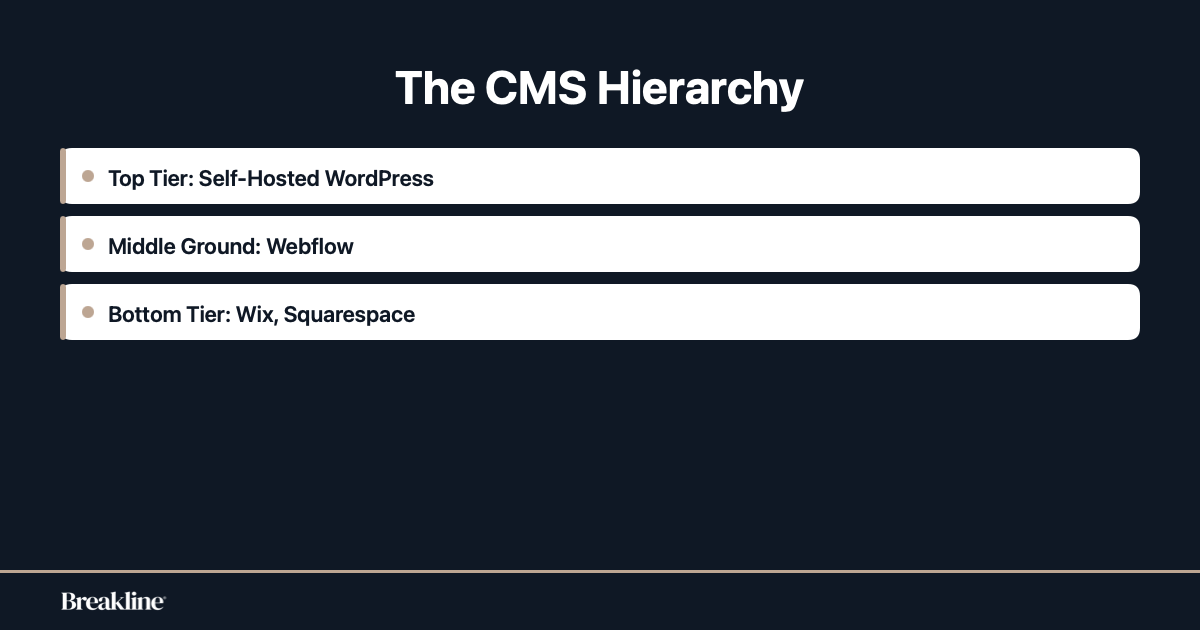
At the bottom of the food chain, you have the closed-garden builders. I am talking about Wix, Squarespace, and Webflow compared to WordPress.
Actually, scratch that.
Grouping Webflow with Wix and Squarespace is unfair. Wix and Squarespace are for your aunt’s knitting blog or a local coffee shop that doesn’t care about dominating search results. They are template-locked. You can’t touch the code. You are stuck with what they give you.
Webflow is miles ahead of them.
It gives you granular control over design and structure. You can edit the semantic HTML tags. You can mess with the hierarchy. It handles redirects with wildcard patterns, which is a feature I use constantly.
It even handles localization with hreflang tags better than it used to. But compared to WordPress? It is still a closed system. With WordPress, if a feature doesn’t exist, I can write a custom function or install a plugin to make it exist. With Webflow, if a feature doesn’t exist, I have to wait for the developers to add it. Or I have to use a hacky workaround with custom JavaScript embed codes.
For an agency like ours, that lack of control is terrifying.
We need to be able to manipulate everything. Canonical tags, schema injection, server-side rendering nuances.
Webflow lets you do a lot of this, sure. It has built-in tools for meta titles and descriptions. It generates XML sitemaps. But it is the edge cases where it fails. And in SEO, the edge cases are often where you win.
The Problem of Fashion over Function
This is a big one. I see it all the time.
Webflow is a designer’s tool. It was built for visual people. It allows designers to create stunning, award-winning animations and layouts without writing a single line of code. This is amazing for the internet. It makes the web prettier. But for SEO? It can be a disaster.
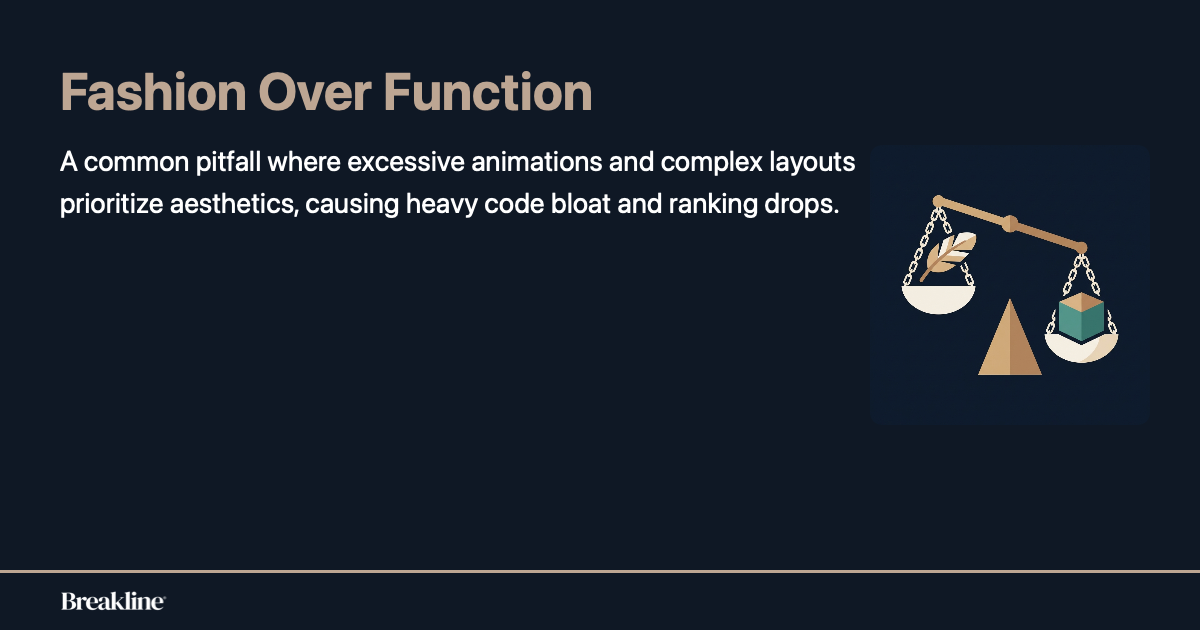
We call this Fashion over Function. Designers get carried away. They use fourteen H1 tags because they like the font size. They hide content inside complex interactions that Google struggles to render. They use massive background videos that tank the loading speed on mobile devices.
Is this Webflow’s fault? Technically, no.
You can build a perfectly optimized site on Webflow. But the platform encourages visual excess. It hands you a loaded gun and says, “Go make art.” An SEO specialist looks at a Webflow site and sees a heavy DOM size and a bunch of div blocks nested fifteen layers deep just to create a parallax effect. It is frustrating.
When you prioritize Fashion over Function, you lose organic traffic.
I have had clients come to me with beautiful Webflow sites that rank for nothing. We have to tear them apart. We have to simplify the structure. We have to tell them that, no, you cannot have the entire homepage fade in over ten seconds because the user bounced five seconds ago. The tool is powerful, but it requires discipline. Discipline that most designers simply do not have.
Structured Data and Technical Limitations
Let’s talk about the nerdy stuff.
Schema markup. Structured data. This is how we talk to search engines. We tell them, “Hey, this is a product, this is the price, and this is the review count.” In WordPress, I install a plugin like RankMath or Yoast, and I am done. Or I write a custom script. In Webflow, it is a bit more manual.
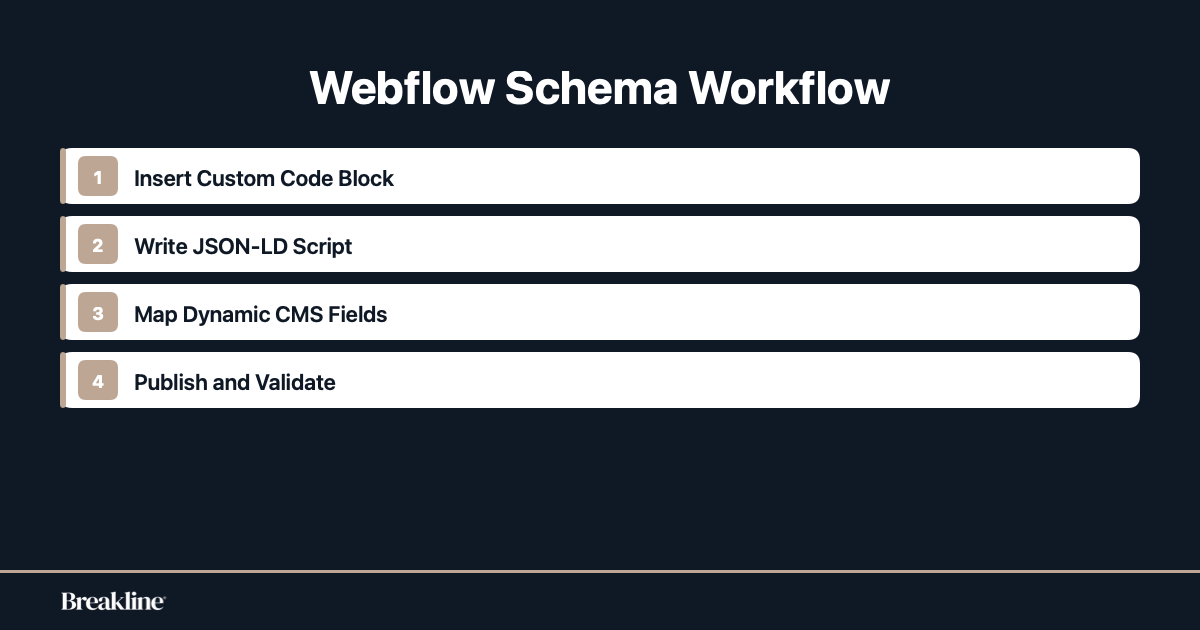
You have to use custom code blocks. You can inject JSON-LD schema natively now, which is a huge improvement. You can even pull dynamic fields from your CMS collections into that schema.
That is actually pretty cool.
For example, if you have a blog collection, you can map the “Author” field and the “Publish Date” field directly into the schema code. It works. But it is not as seamless as it could be. And there are limits. The CMS itself has limits. You used to be capped at 30 fields per collection. Now it is 60. That sounds like a lot, but for a complex site with heavy data requirements, it is tight. You can only have 10 reference fields.
I ran into a problem recently where a client needed a complex filtering system for real estate listings.
Webflow’s native filtering is basic. We had to use third-party libraries like Finsweet just to get standard functionality that would take me ten minutes to set up in WordPress. It felt unnecessary. Sometimes it feels like you are fighting the platform to do basic things. Also, I noticed a weird bug the other day where the sitemap wasn’t updating immediately after a publish. It was an isolateed incident, perhaps, but it made me nervous. You have to be vigilant.
You also have to be careful with the way it handles code exports if you ever decide to leave. It is clean, but the CMS content doesn’t export neatly into a database format that you can just drop into another system. You are kind of locked in.
Generative Engine Optimization is the New Reality
We are not just optimizing for ten blue links anymore.
It is 2026. Search has changed. We are dealing with AI answer engines. This is where Generative Engine Optimization comes into play. You might see people calling it GEO. The idea is that we need to be the source of truth for the AI models.
Webflow is actually decent for GEO because of the structured content capabilities. If you set up your CMS collections logically, you are providing structured data that AI can parse easily.
But here is the kicker.
Generative Engine Optimization requires volume. It requires depth. You need to cover topics from every angle to be seen as an authority. Webflow charges you by the CMS item. If I want to build a programmatic SEO strategy with 10,000 pages targeting long-tail keywords, Webflow is going to get expensive. Very expensive. WordPress? Free. I can generate 100,000 pages on WordPress if my server can handle it. On Webflow, I am paying a premium for that database space.
This cost factor limits your strategy.
You might hesitate to create that glossary section or that massive archive of case studies because you are worried about your plan limits.
That hesitation hurts your SEO. SEO is a volume game & a quality game. You need both. When your platform penalizes you for scaling your content, that is a red flag for me.
The Agency Perspective
Why do agencies like Breakline usually stick to WordPress?
It is not because we hate innovation. It is because we love control. When a client calls me at 2 AM saying their site is down or a ranking has dropped, I need to be able to fix it. I need access to the server logs. I need to be able to edit the .htaccess file.
On Webflow, I don’t have server access. I am renting space on their hosting. If their server goes down, I go down.
That helpless feeling sucks.
However, for smaller clients, Webflow is a blessing. I don’t have to worry about plugin updates. I don’t have to worry about security patches. It is a managed environment. For a client who doesn’t have a dedicated IT team, Webflow is safer. It is less likely to get hacked. That is a form of SEO protection too, I guess.
Nothing kills your rankings faster than a malware injection redirecting your users to a gambling site.
So, it is a trade-off.
You trade absolute control for peace of mind and stability. For many businesses, that is a good trade.
For a hardcore SEO who wants to tweak the Time to First Byte (TTFB) by milliseconds? It is frustrating.
When You Should Actually Use Webflow
I don’t want to sound like I hate the tool.
I use it. I have built sites on it. If you are a SaaS company, a creative agency, or a local business that needs a high-end look, use Webflow.
The Webflow SEO capabilities are sufficient for 90% of the internet. If you are not competing with Amazon or Wikipedia, you will be fine. You can rank #1 on Webflow. I have done it.
It handles the basics perfectly well.
The 301 redirects are easy to manage. The sitemap is automatic. The SSL is included. These are things that used to be a headache. If your content is good and your backlinks are solid, the platform won’t hold you back.
The problem only arises when you have complex needs. If you need a multilingual site with different content for different regions, Webflow has gotten better at this, but it is still clunky compared to a WordPress multisite setup.
If you are an e-commerce store with thousands of SKUs? Don’t use Webflow.
Use Shopify.
If you are a publisher putting out fifty articles a day?
Use WordPress.
But for a marketing site? It is brilliant.
Final Thoughts
I think I have been pretty clear. Webflow is not the villain of the SEO story. It is a sleek, modern tool that does a lot of things right. It forces you to think about design and structure, which is good.
But it is NOT the heavy hitter that WordPress is.
If a client asks me, “Is Webflow bad for SEO?” I tell them no. I tell them it is better than the other builders. But then I ask them what their goals are. If they want to build a massive empire of content, I gently steer them toward the open-source world.
If they want a Ferrari that looks good and goes fast on the highway but can’t handle the dirt track, I give them Webflow. It’s all about the right tool for the job.
And sometimes, the right tool is the one that lets you get your hands dirty.