
Google Business Profile Mistakes Costing Contractors Jobs

The single biggest reason contractors lose jobs through their Google Business Profile is incorrect categorization. If you are a roofer but you have selected “Contractor” as your primary category instead of “Roofing Contractor” you are handing all your local leads to the competition. It really is that simple. Google wants to serve the most specific answer to a searcher. A generic label tells the algorithm you are a generalist when the user wants a specialist.
You might have the best crew in the city. You might have been in business for thirty years. But if that primary category is wrong none of that matters because nobody sees you. Fixing this takes about thirty seconds and it is the most profitable thirty seconds you will spend this year. But that is just the start of where things go wrong.
The Category Trap That Hands Work to Competitors
I see this all the time. A business owner sets up their profile five years ago. They are in a rush. They see the option for “Contractor” or “Construction Company” and think that covers it. It covers it alright. It covers it like a tarp with holes in it.
When someone’s basement is flooding they do not search for “contractor”. They search for “plumber” or “emergency plumbing“. If your profile says “General Contractor” and your competitor down the street says “Plumber” guess who shows up in the Map Pack? It’s not you.
You need to be specific. Ruthlessly specific.
This gets tricky though because you probably do more than one thing. Maybe you do roofing and siding. Or landscaping and hardscaping. Google lets you pick secondary categories. Use them. But your Primary Category has to be your main money maker. The thing you want the phone to ring for at 7 AM. If you are a roofer who does a bit of siding your primary is Roofing Contractor. Your secondary is Siding Contractor.
I think people get scared of being pigeonholed. They worry that if they pick a niche category they will miss out on general work. The data says the opposite happens. Specificity builds trust with the algorithm.
Go to Google Maps right now. Search for your service in your town. Look at the top three results. I bet you a lunch they are using the specific category. Copy what winners do. It works.
Your Name Address and Phone Number Are a Mess
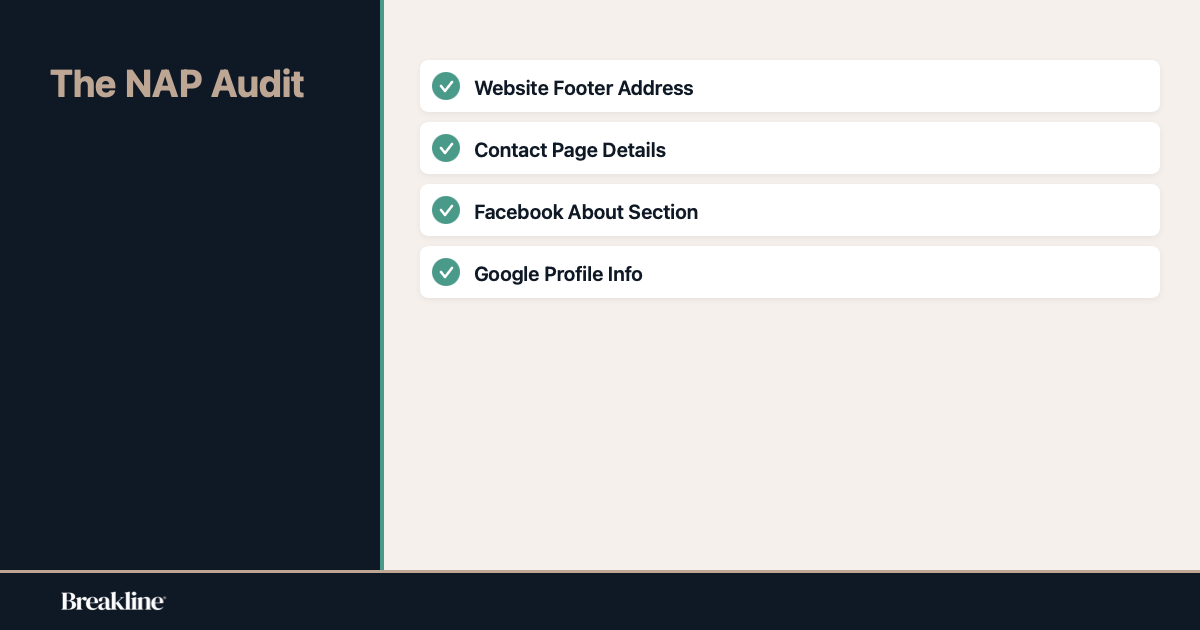
We call this NAP in the industry. Name, Address, Phone. It sounds boring. I know. It is boring. But it is the bedrock of whether Google trusts you exist.
Here is the scenario. On your truck you are “Joe’s Roofing LLC”. On your website you are “Joe’s Roofing & Siding”. On your Google Business Profile you are just “Joe’s Roofing”. And on your Facebook page you listed your mobile number but on Google you listed the office line.
To a human this is obviously the same business. We can figure it out. We are smart like that.
To a robot this looks like three or four different businesses. Or worse it looks like a scam. Google hates uncertainty. If the data points don’t match exactly the algorithm loses confidence. When confidence drops rankings drop.
I had a client a few years back. Great guy. Electrician. He couldn’t figure out why his phone stopped ringing. Turns out he moved his home office to a new address but forgot to update his website footer. His Google Profile had the new address. The website had the old one. Google saw the conflict and pushed him to page two. We fixed the footer and he popped back up in a week.
It has to be exact. If you use “St.” on one use “St.” on all. If you use “Street” write out “Street” everywhere. It seems petty but machines are petty.
Check your footer. Check your contact page. Check your Facebook. Make them match your Google Business Profile character for character. It is tedious work but it pays the bills.
Treating It Like a Set and Forget Listing
There is a dangerous idea floating around that a Google Business Profile is like a phone book entry. You type it in once and walk away. That might have worked in 2015. It is suicide for your visibility in 2026.
Your profile is a living thing. It needs feeding.
Google looks for signs of life. A profile that hasn’t been touched in six months looks like a business that might have closed down. A profile that posts updates adds photos and answers questions looks active. Google loves active.
You don’t need to be posting selfies every day. I know you are busy on the job site. But you should be uploading photos of your recent work. Did you just finish a nice deck? Snap a photo. Upload it. Caption it “New composite deck installation in [City Name].”
This does two things. First it proves you are active. Second it gives Google visual proof of what you do. The AI can “see” the image. It knows it is a deck. It helps you rank for deck terms.
And use the Updates feature. It is basically a mini blog post on your profile. Just a quick note. “Getting ready for winter? Call us for a furnace checkup.” It takes two minutes.
I think a lot of contractors are afraid of writing. They think they need to be Shakespeare. You don’t. You just need to be present. Write like you talk to a customer. Keep it short. Keep it real.
Ignoring Reviews or Responding Like a Robot
We all know reviews matter. I don’t need to tell you to get more reviews. You know that. The mistake is what happens after the review comes in.
Silence is the worst response.
If someone leaves you a glowing 5-star review and you say nothing it is like someone shaking your hand and you just staring at them blankly. It is rude. And Google notices.
But almost as bad is the generic robot response. “Thanks for the review.” Copy and paste. Over and over again.
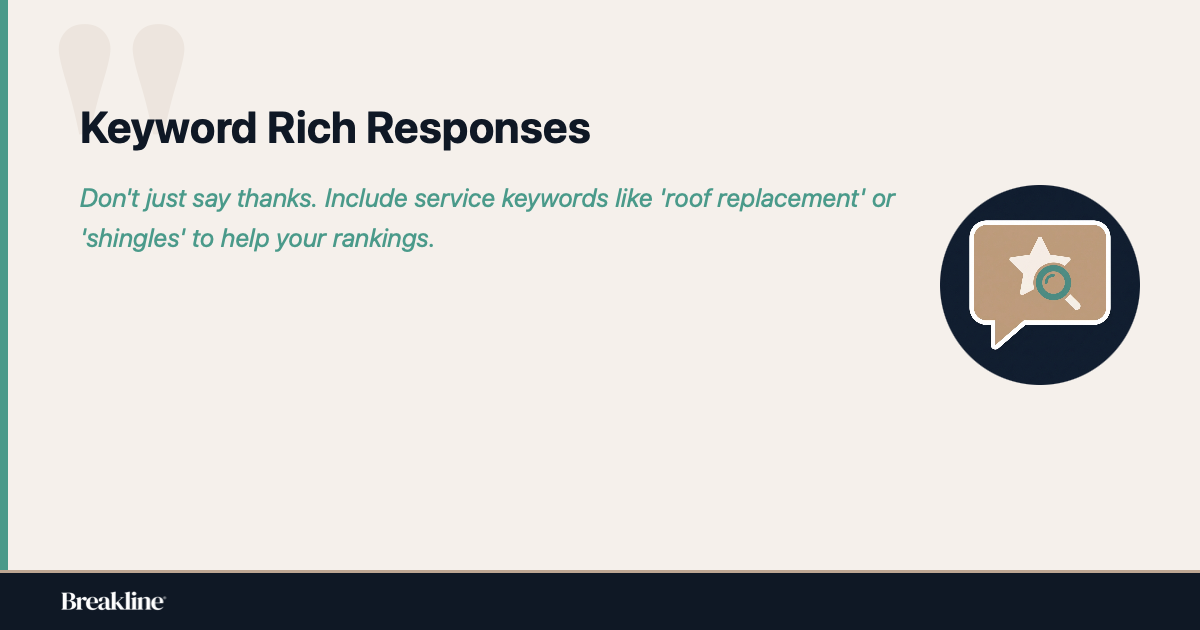
You are missing a massive SEO opportunity here. When you reply to a review use keywords. Natural ones. Don’t force it.
If Mary says “Great job on the roof,” don’t just say thanks. Say “Thanks Mary! We were glad we could get that roof replacement done before the rain started. Glad you like the new shingles.”
See what I did there? I snuck in “roof replacement” and “shingles”. Google reads your responses. It adds context to your profile. It helps you rank for those terms.
And then there are the negative reviews. They happen. You can’t please everyone. Ignoring them is fatal. Fighting them is worse.
Respond calmly. Address the issue. Take it offline. “I’m sorry you felt that way, please call the office so we can fix it.” Potential customers read these. They want to see how you handle trouble. If you look professional you win. If you look like a hothead you lose.
The Service Area Confusion
This one is tricky. I see contractors trying to game the system here and getting burned.
You want work in the whole county. Maybe even the next county over. So you go into your Service Areas section and you list every single town, village, and hamlet within a fifty-mile radius. You list twenty cities.
It seems logical. You are telling Google “I go here.”
But Google’s algorithm is getting smarter about proximity. It knows where you are physically located. If you are based in Town A and you list Town Z which is an hour away without having a physical office there it dilutes your authority.
It is better to focus on your core areas. The places you can actually service efficiently. Listing too many areas can sometimes trigger a suspension if it looks spammy. It’s hard to accomodate every single request from every town so stick to where you actually make money.
Also avoid the “doorway page” trap on your website. This is where you make a hundred pages like “Plumber in Town A”, “Plumber in Town B”, “Plumber in Town C” and the content is exactly the same just with the city name changed. Google hates this. It worked ten years ago. Now it just looks like low-quality spam.
If you want to rank in a nearby town get reviews from people in that town. Mention the town in your profile updates. “Just finished a job in [Town Name].” That is organic. That works.
Website Links and Tech Headaches
Your Google Business Profile doesn’t live in a vacuum. It is tethered to your website. If that tether is broken the whole balloon floats away.
The button that says “Website” on your profile. Where does it go?
Does it go to a page that actually exists? You would be shocked how many times I click that button and get a 404 Error. The page is gone. Maybe you updated your site and the URL changed. Maybe you forgot to pay your hosting bill.
If Google sends a user to a broken link it looks bad for Google. So they stop sending users. Your rankings tank.
Another issue is linking to the wrong page. If you are a general contractor but you want to push your kitchen remodeling services don’t link your profile to your home page. Link it to your Kitchen Remodeling page. Get the user straight to the info they want.
But wait. There is a catch. If you link to an internal page make sure your NAP (Name Address Phone) is on that page too. Remember what we said about consistency? If you link to a page that doesn’t have your address on it Google gets confused again.
Speed matters too. If a user clicks “Website” from their phone and your site takes ten seconds to load they are gone. They are calling the next guy. Google knows if people bounce off your site instantly. It hurts your Maps ranking.
Why Suspensions Are Up for Contractors
Let’s talk about the nightmare scenario. You wake up one morning. You check your phone. Your business is gone. Vanished from Maps.
Suspension.
It is happening more and more to contractors in 2026. Why? Because the spam filters are aggressive. Google is trying to clean up the map. There are too many fake listings. Lead gen companies making up fake plumber profiles to sell the leads.
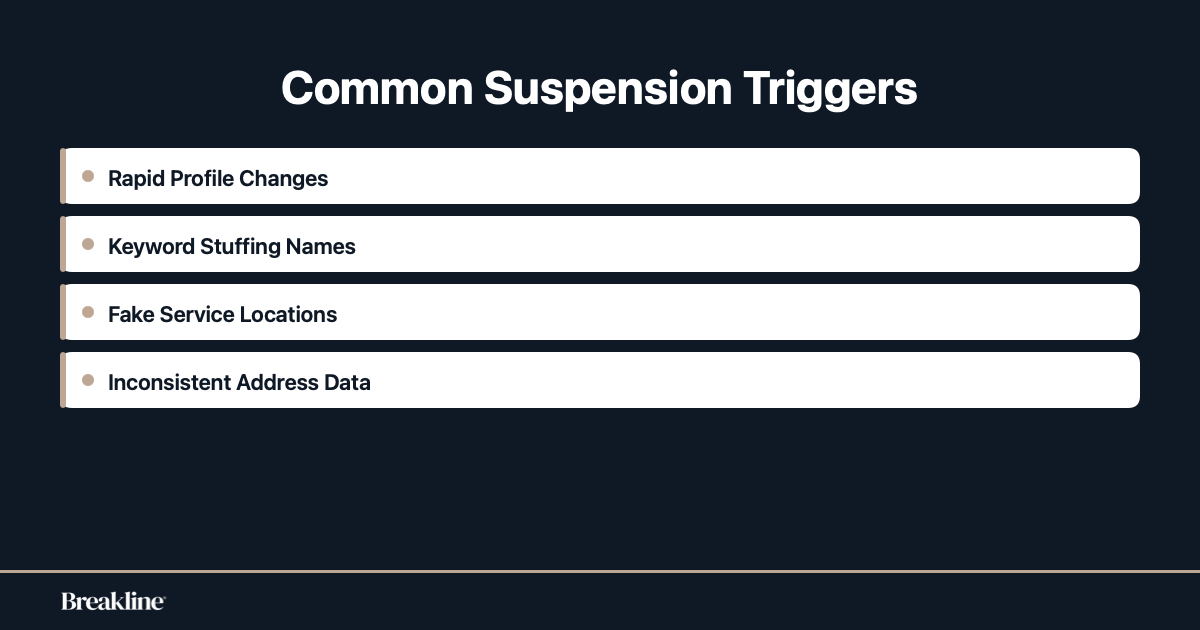
So legitimate businesses get caught in the crossfire. The biggest trigger? Rapid changes.
If you go into your profile tonight and change your name, your address, your hours, and your categories all at once you will probably get suspended. It looks suspicious. It looks like a profile hijack.
If you need to make changes do them slowly. Change the hours. Wait a couple of days. Change the description. Wait.
Another trigger is keyword stuffing in the business name. Your legal name is “Smith Plumbing”. But you change your Google name to “Smith Plumbing & Water Heater Repair Best in Chicago”.
That is a violation. You might get away with it for a week. Maybe a month. But when they catch you—and they will catch you—you go to jail. Digital jail. Getting reinstated can take weeks. Can you afford to not exist on Google for three weeks?
I didn’t think so.
Hours of Operation and Holiday Disasters
Imagine this. It is a bank holiday. A potential customer has a pipe burst. They search for a plumber. Your profile says “Open”. They call. No answer.
They are furious. They leave a 1-star review saying “Called and nobody answered, liars.”
Or the reverse. You are open. You are hungry for work. But you forgot to update your holiday hours so Google automatically marks you as “Hours might differ” or implies you are closed. The customer calls your competitor who explicitly marked themselves as “Open”.
Google sends you emails asking to confirm your holiday hours. Do not delete them. Open them. Confirm the hours. Even if they are the same as normal. It puts a little green note on your profile that says “Hours confirmed by business”.
That little green note is a trust signal. It tells the customer “This guy is actually here.”
It is such a small thing. But in local SEO the small things stack up. A hundred small things equal a top ranking.
Final Thoughts
I know this feels like a lot. You are trying to run a crew, bid on jobs, and keep the books straight. Now you have to worry about algorithms and primary categories.
But here is the reality. The phone book is dead. Word of mouth is great but it is slow. Google is where the money is. The contractors who treat their Google Business Profile with respect are the ones buying new trucks and expanding. The ones who ignore it are the ones wondering where the leads went.
You don’t have to be a tech wizard. You just have to be accurate, consistent, and active. Fix your category. Check your NAP. Upload a photo once in a while. Reply to your reviews.
It is not magic. It is just work. And you know how to do work.
Start with the category. Check it today. It might just change your year.
